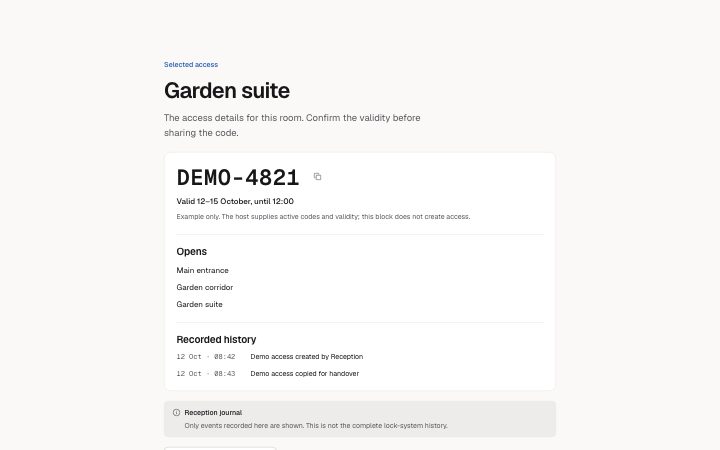
An access record with a copyable code, explicit validity, permissions and recorded history; unknown permissions remain distinct from an empty list.
Light · Dark
An access record with a copyable code, explicit validity, permissions and recorded history; unknown permissions remain distinct from an empty list.
Light · Dark
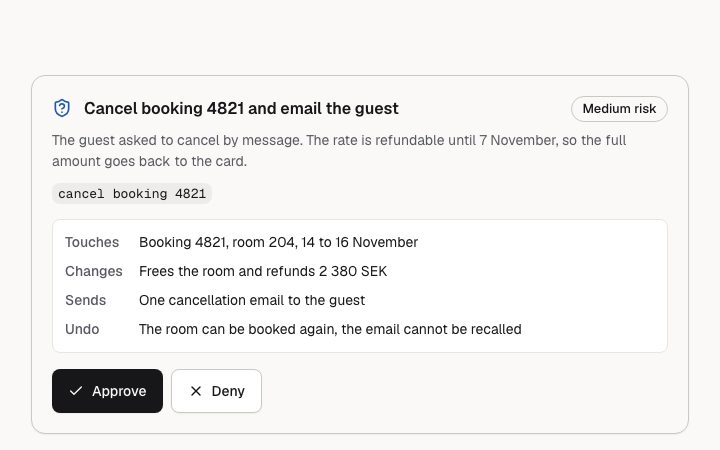
An action the assistant wants to take and needs a person to allow: title, why, scoped detail, a risk level and Approve / Deny buttons named after the action.
Light · Dark
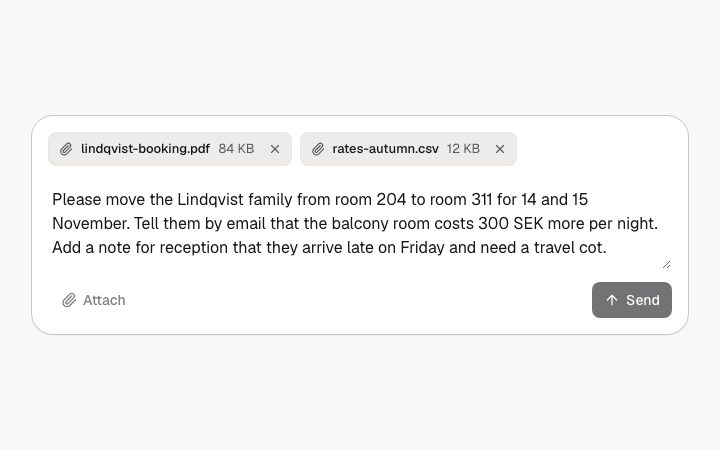
The box a person writes to an assistant in: labelled textarea, attachment chips, attach and send buttons.
Light · Dark
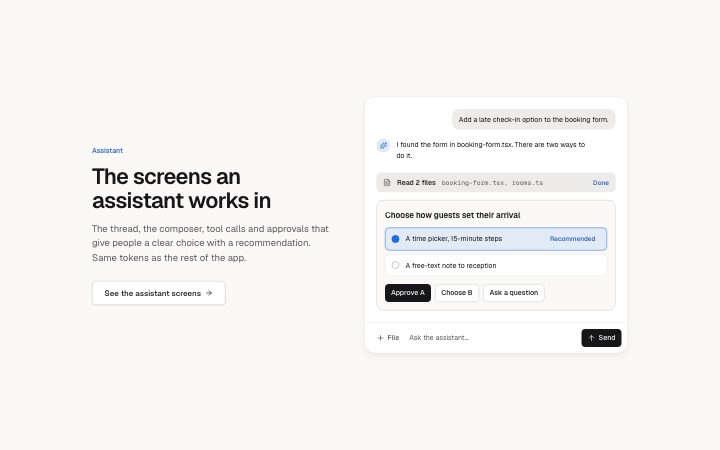
Heading and link beside a mock assistant: thread, tool call, an approval with a recommended option, and a composer. A fixture UI, not interactive.
Light · Dark
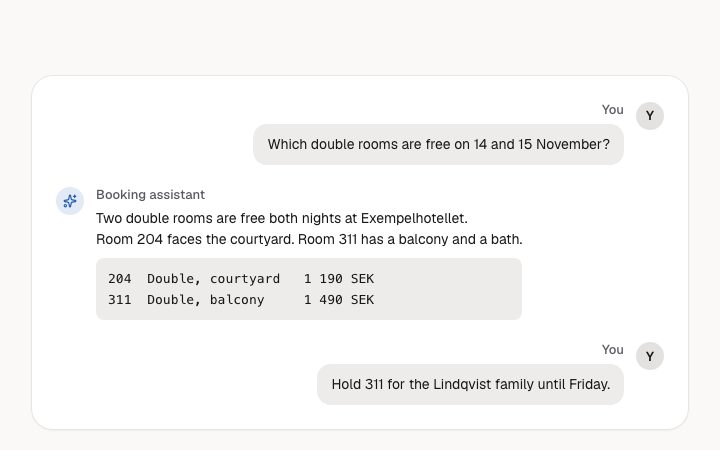
A conversation with an assistant: user and assistant turns, optional code and four states. A log region; each turn is named by its speaker.
Light · Dark
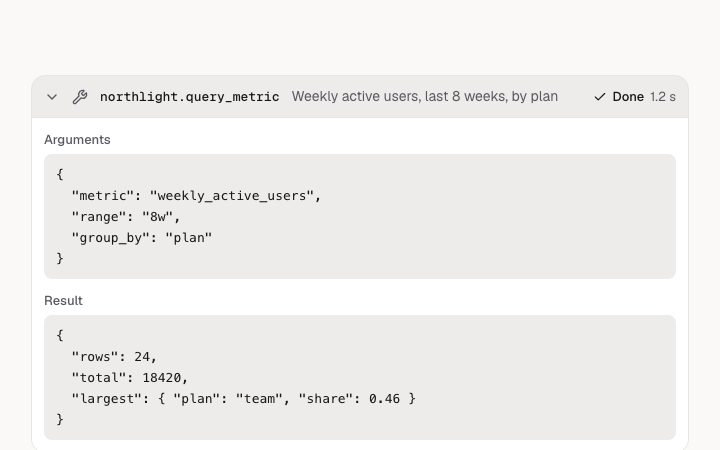
One tool call in an assistant thread: name, one-line summary and status, with the arguments and result in a disclosure.
Light · Dark
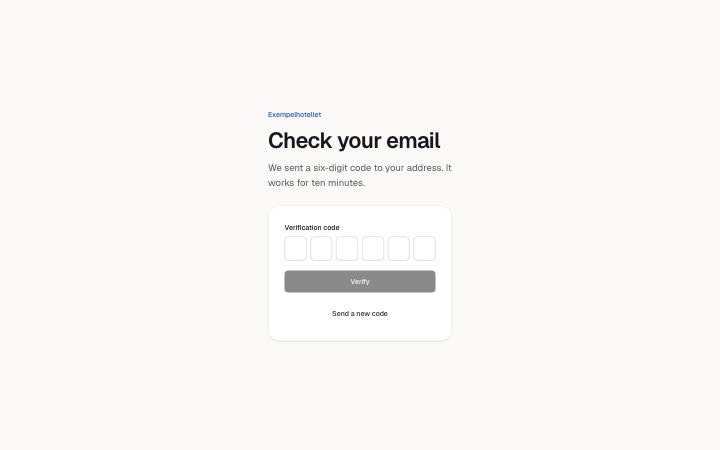
Enter a six-digit code: six boxes that behave as one field. Typing moves forward, Backspace moves back, arrow keys move, pasting fills every box, and the…
Light · Dark
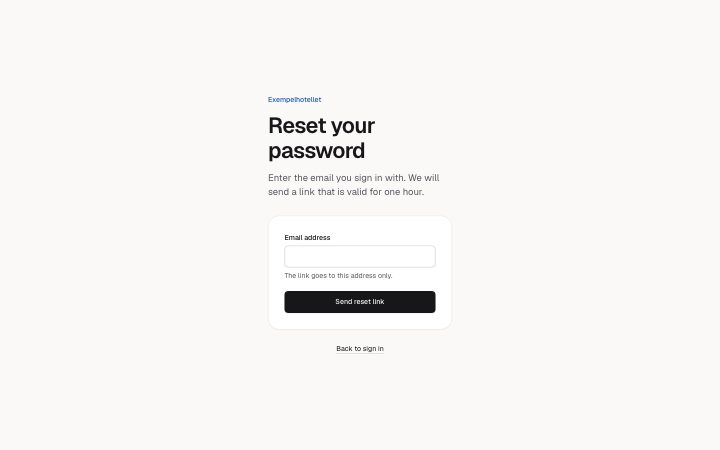
Ask for a password reset link: one email field, a send button, a confirmation that does not reveal whether the address has an account, a resend button, and…
Light · Dark
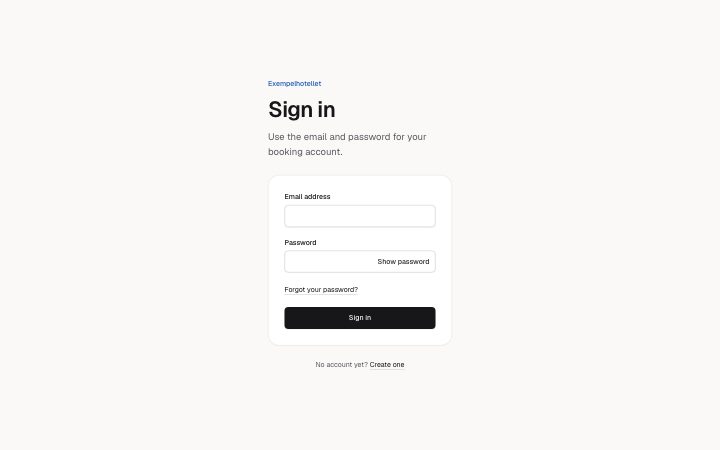
Sign in with email and password: labelled fields with the right autocomplete, a button that shows or hides the password, a forgot link, and idle, sending and…
Light · Dark
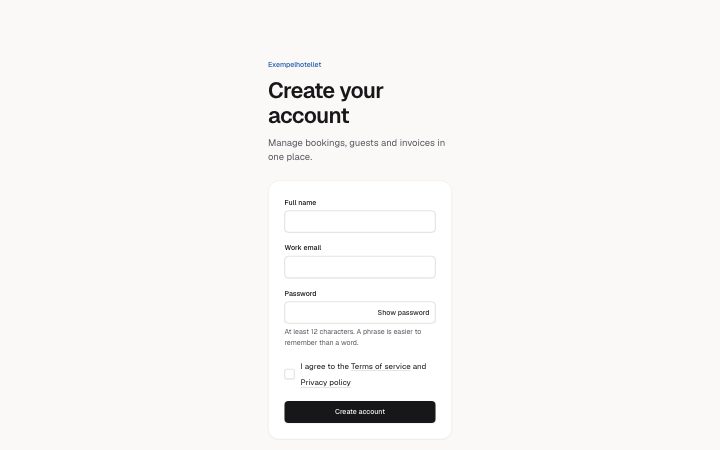
Create an account: name, email and a password with its rules, a required consent checkbox that names the terms and privacy links, and idle, sending, error and…
Light · Dark
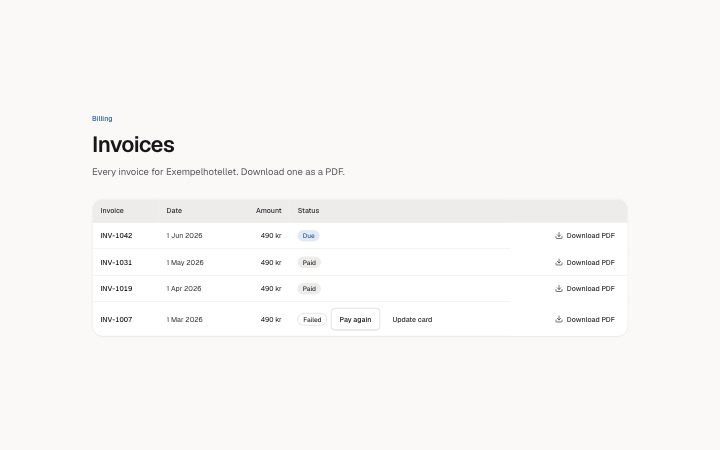
A list of invoices as a table: number, date, amount, a status badge (paid, due, failed: always a word) and a download link named for its invoice that stays in…
Light · Dark
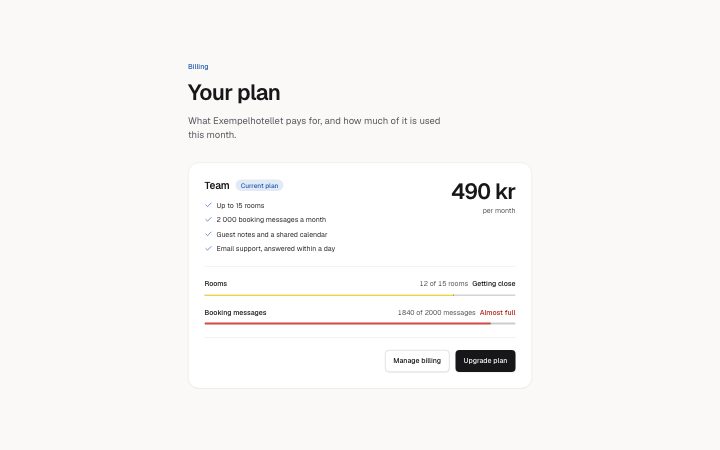
The current plan on one card: name, price, what is included, usage meters (native meter elements; the band is said in words at 70%, 90% and over the limit…
Light · Dark
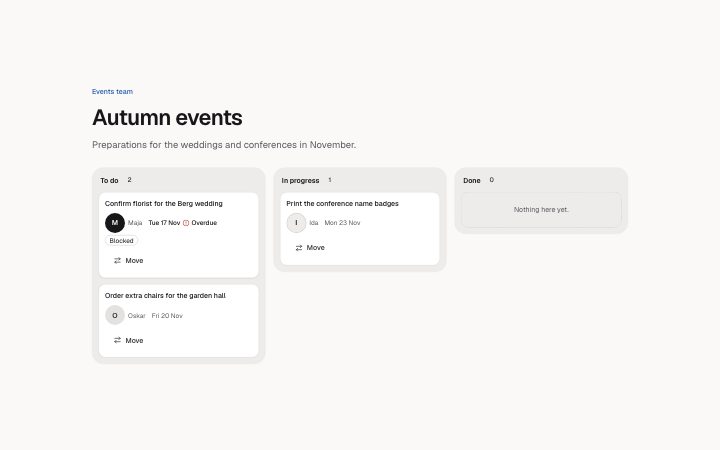
A board of columns with cards (title, assignee, due date, status flag).
Light · Dark
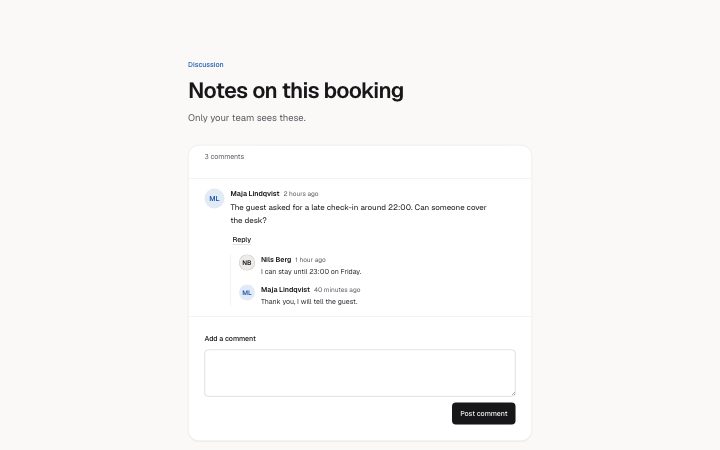
A discussion between people: comments with author and time, replies one level deep, a Reply button that opens a form under its comment (focus moves in and…
Light · Dark
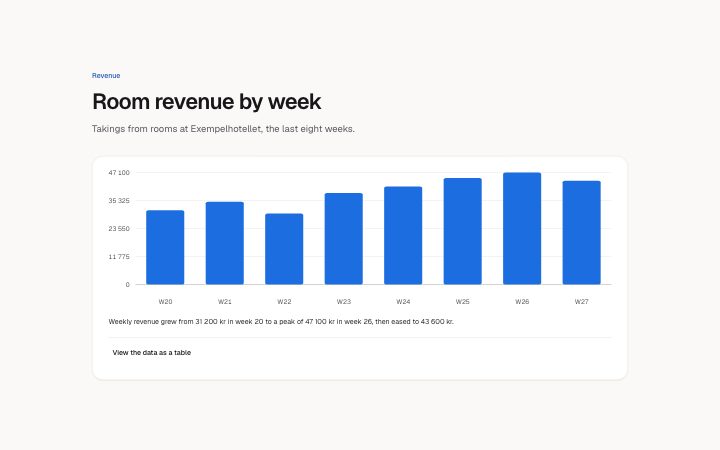
A chart card for a dashboard: a bar or line chart drawn as plain SVG from a short list of readings, a sentence that says what it shows, and a value axis…
Light · Dark
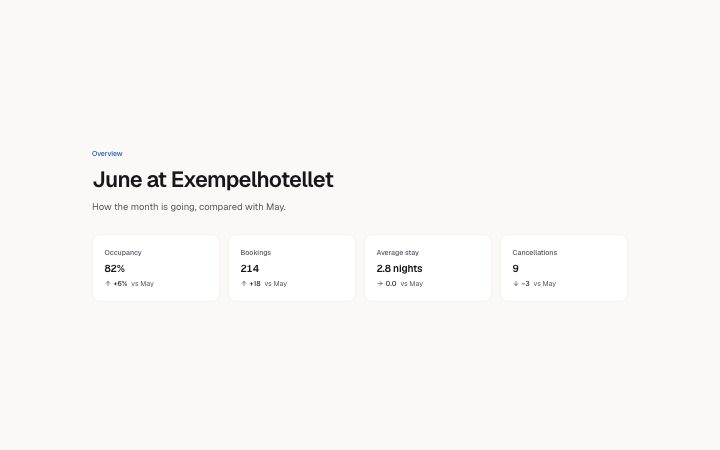
A row of two to four figures for a dashboard: label, large value, the change with a sign and an arrow, and what it is measured against.
Light · Dark
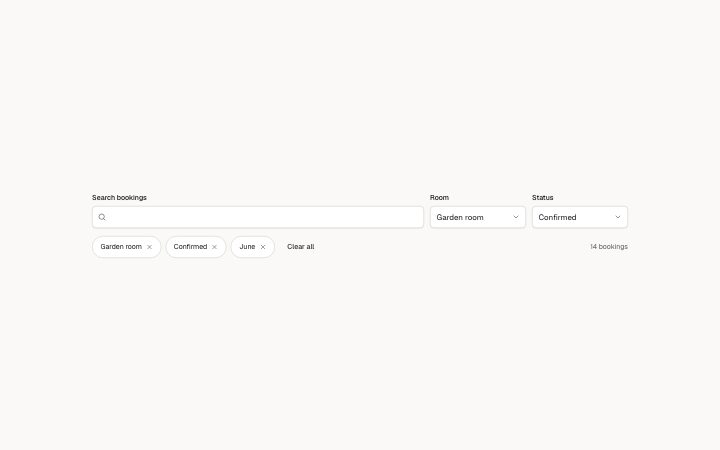
A search box and select filters above a list, active filters as removable chips with a clear-all, and a result count read from a list (one entry per filter…
Light · Dark
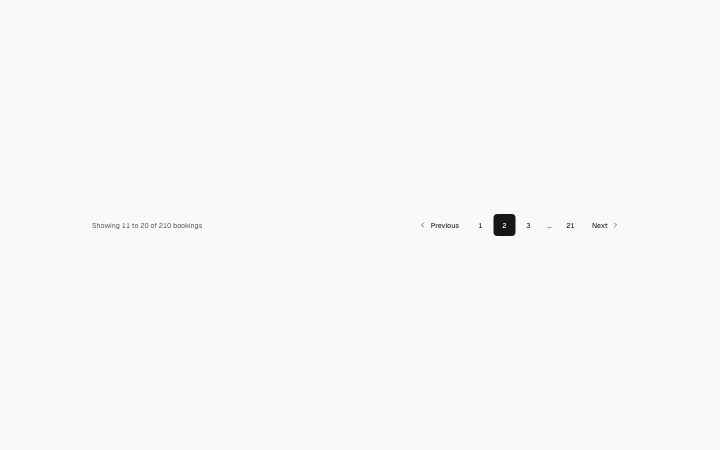
A pagination row: a summary built from the page, rows per page and the total (it changes with the page and is read out politely), previous and next, numbered…
Light · Dark
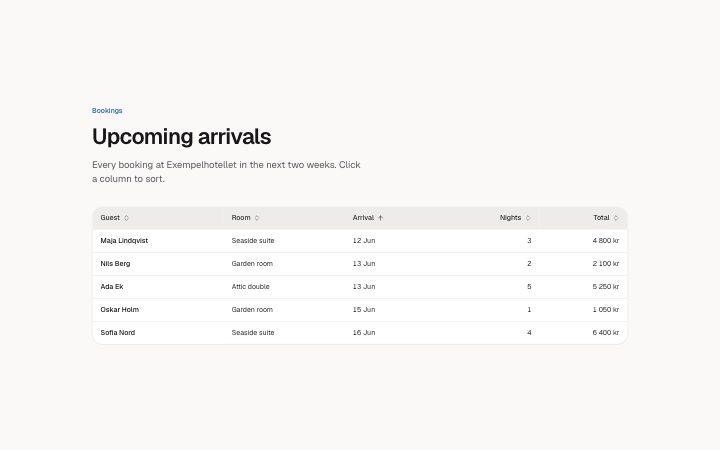
A data table: sort buttons that order by what a column holds (text, numbers, dates; aria-sort), a first column that stays in view while the rest scrolls with…
Light · Dark
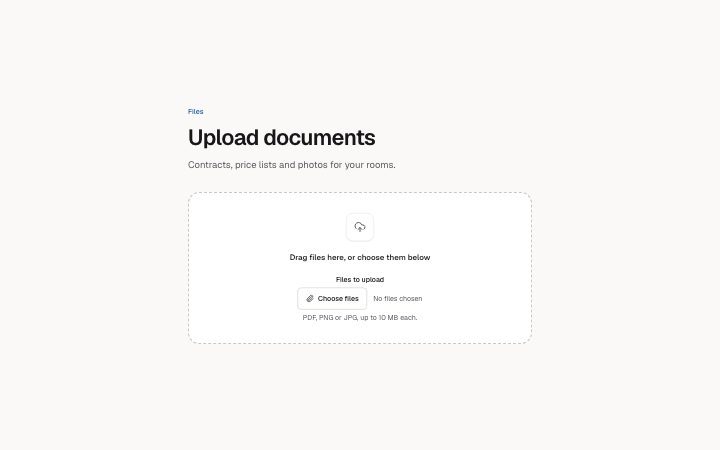
A drop zone that takes a real drop (it highlights while a file is over it, a drop never navigates the page, dropped names are listed and announced) with the…
Light · Dark
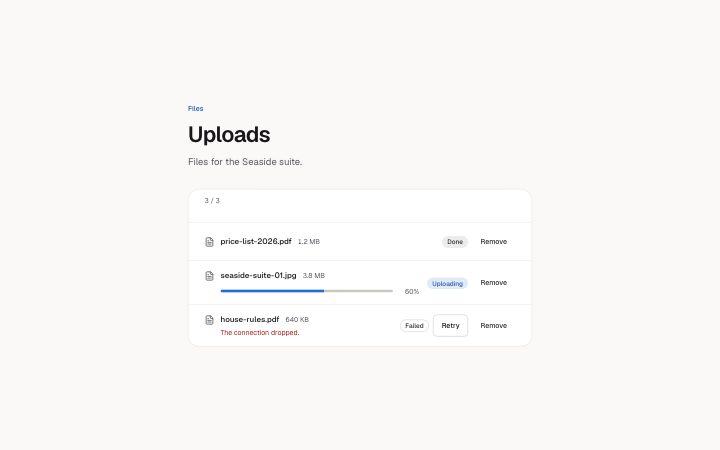
Files and where each one is: uploading (a native progress bar with its percentage), done, or failed with a reason and Retry.
Light · Dark
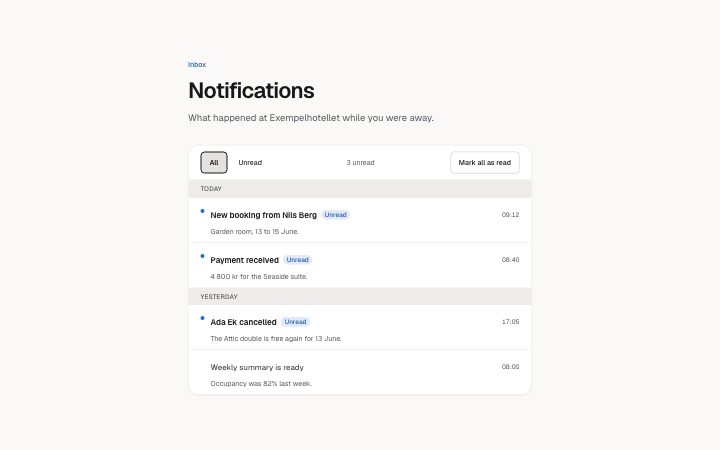
An inbox of notifications grouped by day: unread items marked with a dot and the word, an unread count in a live region, All and Unread filters, and Mark all…
Light · Dark
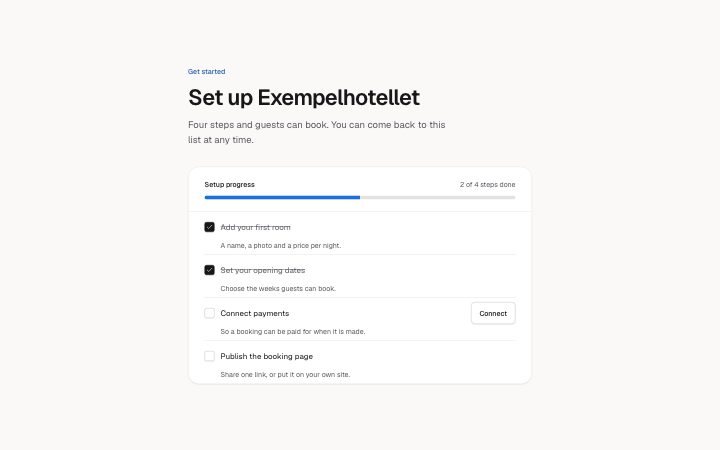
A getting-started checklist with a progress bar and a count that follow the checkboxes. Each step has a title, a line of help and maybe one action.
Light · Dark
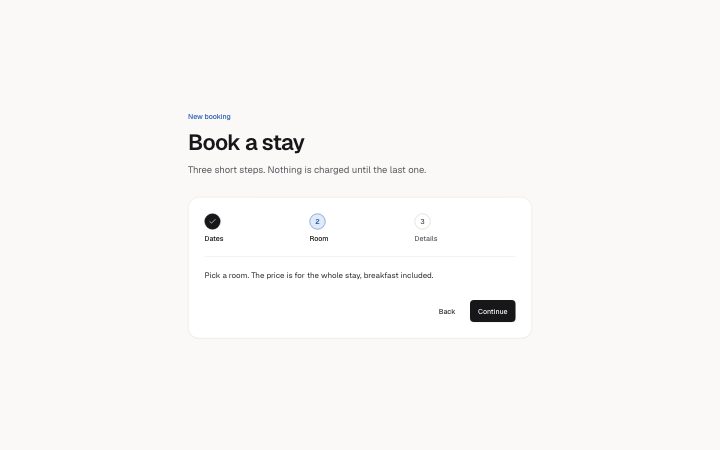
A step indicator for a multi-step flow: numbered steps that are done, current or upcoming (aria-current="step", the state also said in words for screen…
Light · Dark
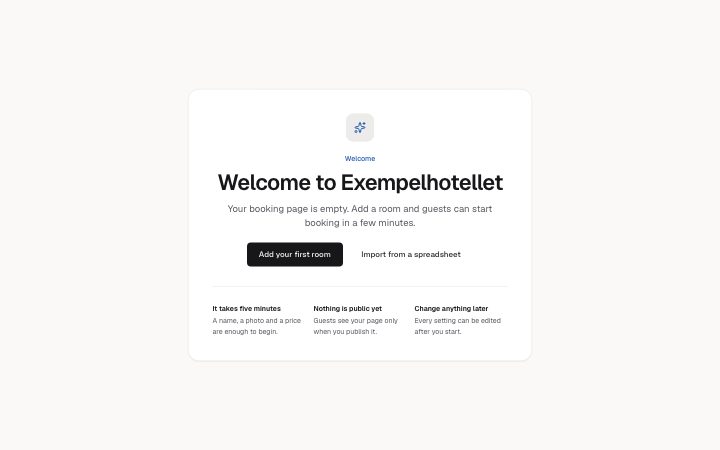
The first screen of an empty account: a greeting, one sentence on what happens next, one primary action, an optional secondary link, and two to four short…
Light · Dark
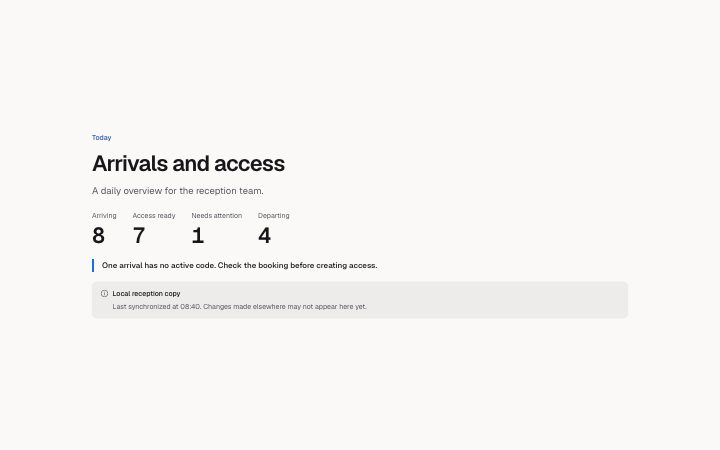
A daily operational count line with an explicit attention message and source provenance. No counts are inferred.
Light · Dark
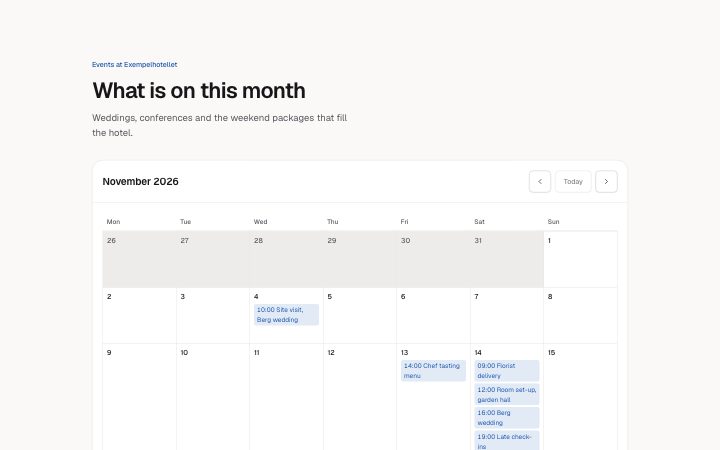
A month as a table with its events, today marked in words, previous, next and today buttons, and an agenda list in narrow containers instead of a cramped…
Light · Dark
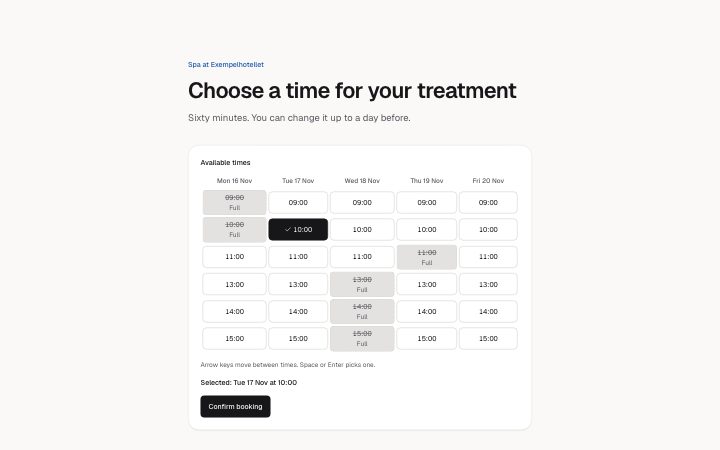
Pick a time: days across, times down, as a keyboard grid (arrow keys, Home and End, Space picks).
Light · Dark
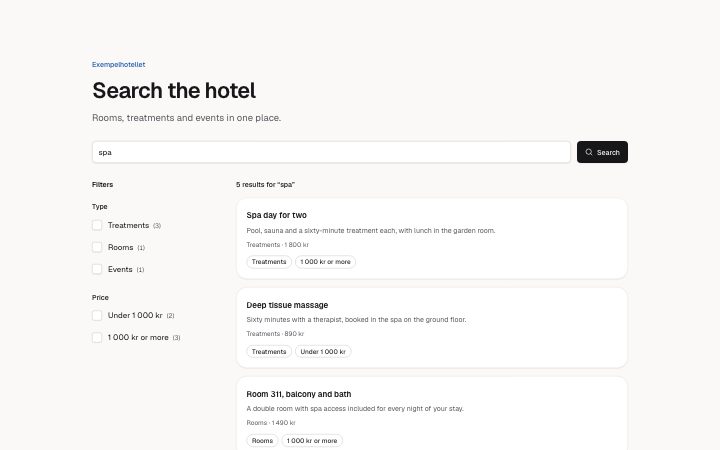
A results page: a search box, checkbox facets whose counts follow the other filters, active filters as removable chips, a result count that is announced when…
Light · Dark
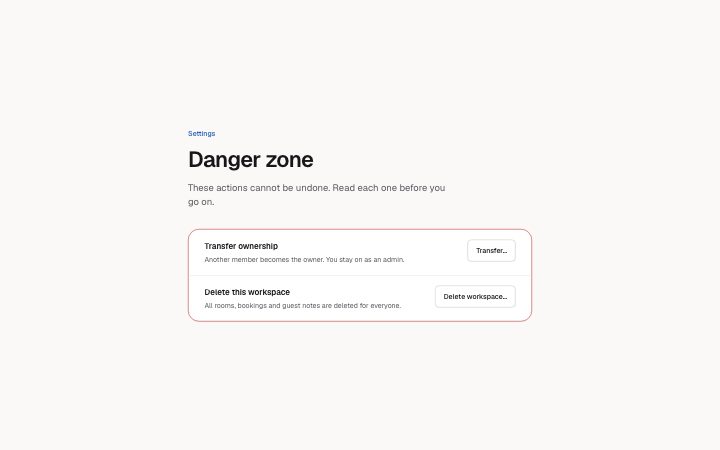
Irreversible actions kept apart from the rest of the settings. Each row explains the consequence; its button opens a confirmation where the person types a…
Light · Dark
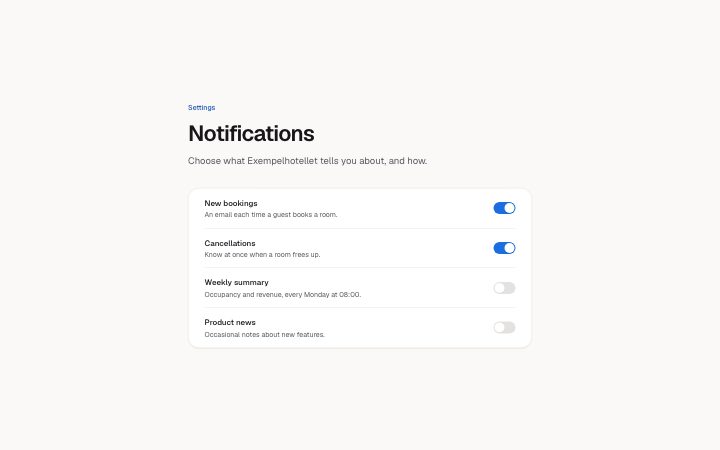
A list of notification preferences, each a title, one line of explanation and a switch (applies at once) or a checkbox (saved with a button).
Light · Dark
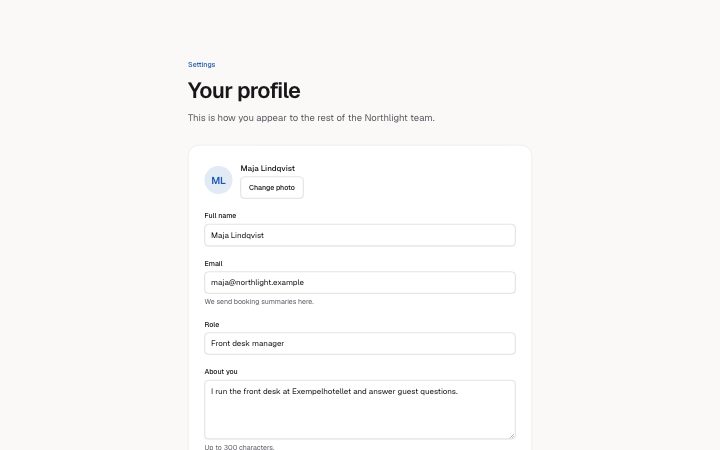
A profile form: photo, labelled fields with hints and autofill hints, save and cancel, and four states (idle; saving, which disables every field; saved…
Light · Dark
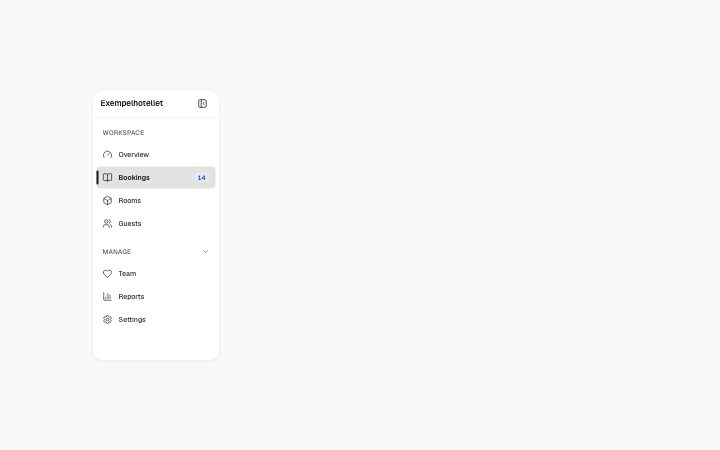
The sidebar of an app: grouped links with icons and an optional count, groups that open and close, the current page marked with aria-current, and a button…
Light · Dark
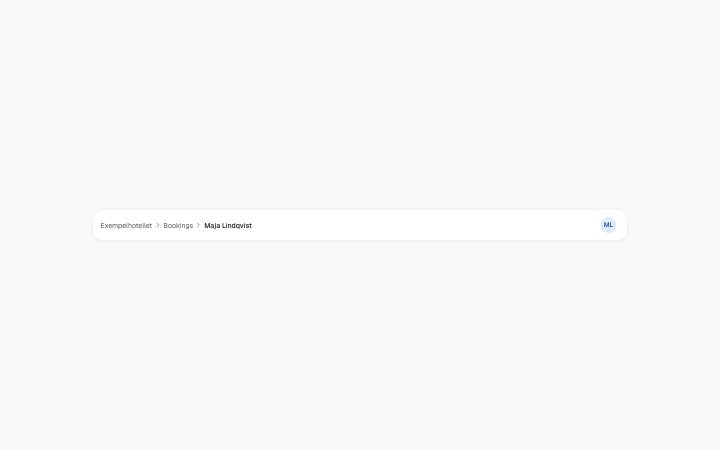
The top bar of an app: breadcrumbs (the last is the current page, aria-current) and an account menu on an avatar button that opens with Enter, Space or the…
Light · Dark
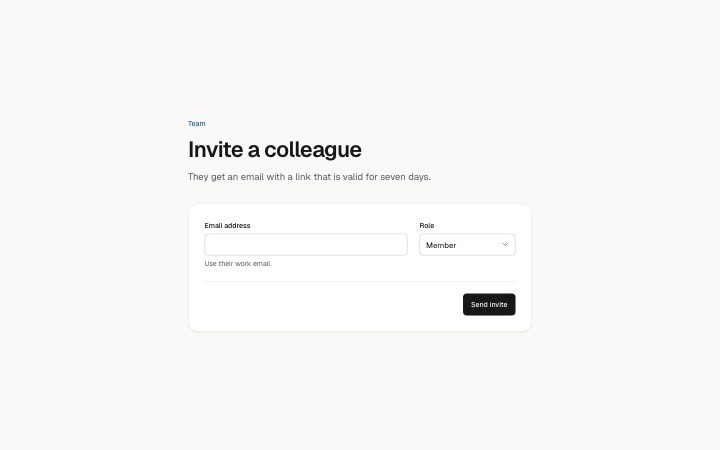
Invite someone: an email field with a hint, a role select and a send button, with four states (idle, sending, sent, error with the field marked and…
Light · Dark
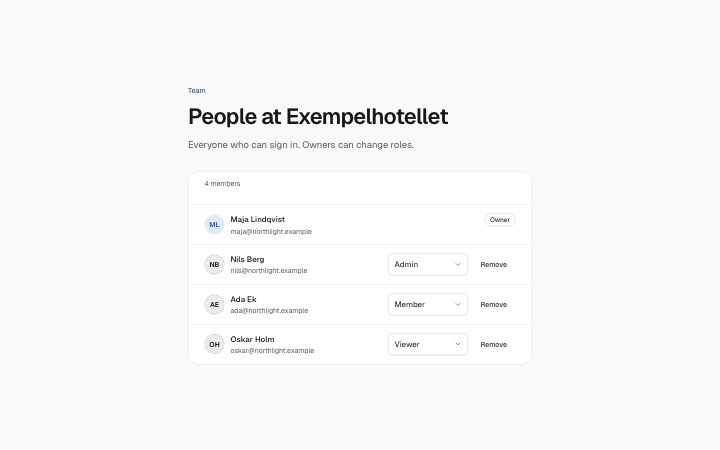
The people on a team: avatar, name, email and a role select per member, a locked owner row, Remove with a confirmation that keeps focus in the list, role…
Light · Dark
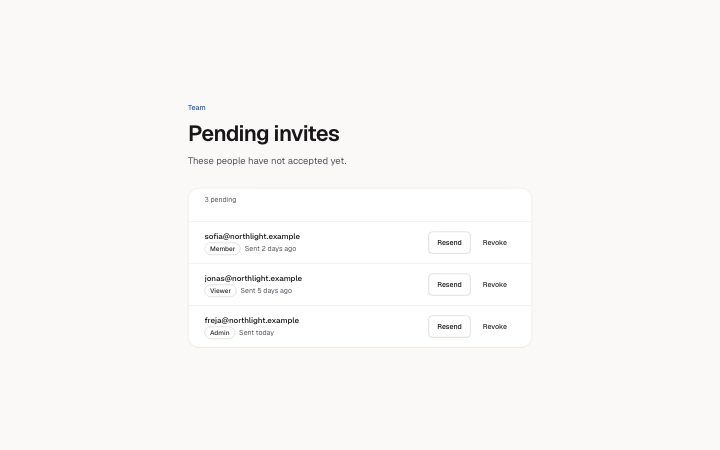
Invites not yet accepted: address, role and when it was sent, with Resend and Revoke that name their invite.
Light · Dark